Dollar PDF
Most PDF tools are built around a subscription. That works if you live in the product — but most people only need to convert a file once or twice a year, and committing to a monthly plan for that feels like too much. So they end up on a sketchy free converter, handing a contract or a tax form to a cluttered, ad-covered site they have never heard of.
That is a design problem as much as a pricing one. Good design and a real brand are what earn trust, and trust is exactly what the freebie corner of this category is missing. Dollar PDF is the alternative: priced for occasional use, and built to feel like somewhere you would actually hand over a file.
- Role
- Founder · Product & Brand
- Timeline
- 2026
- Type
- Pay-per-use web app
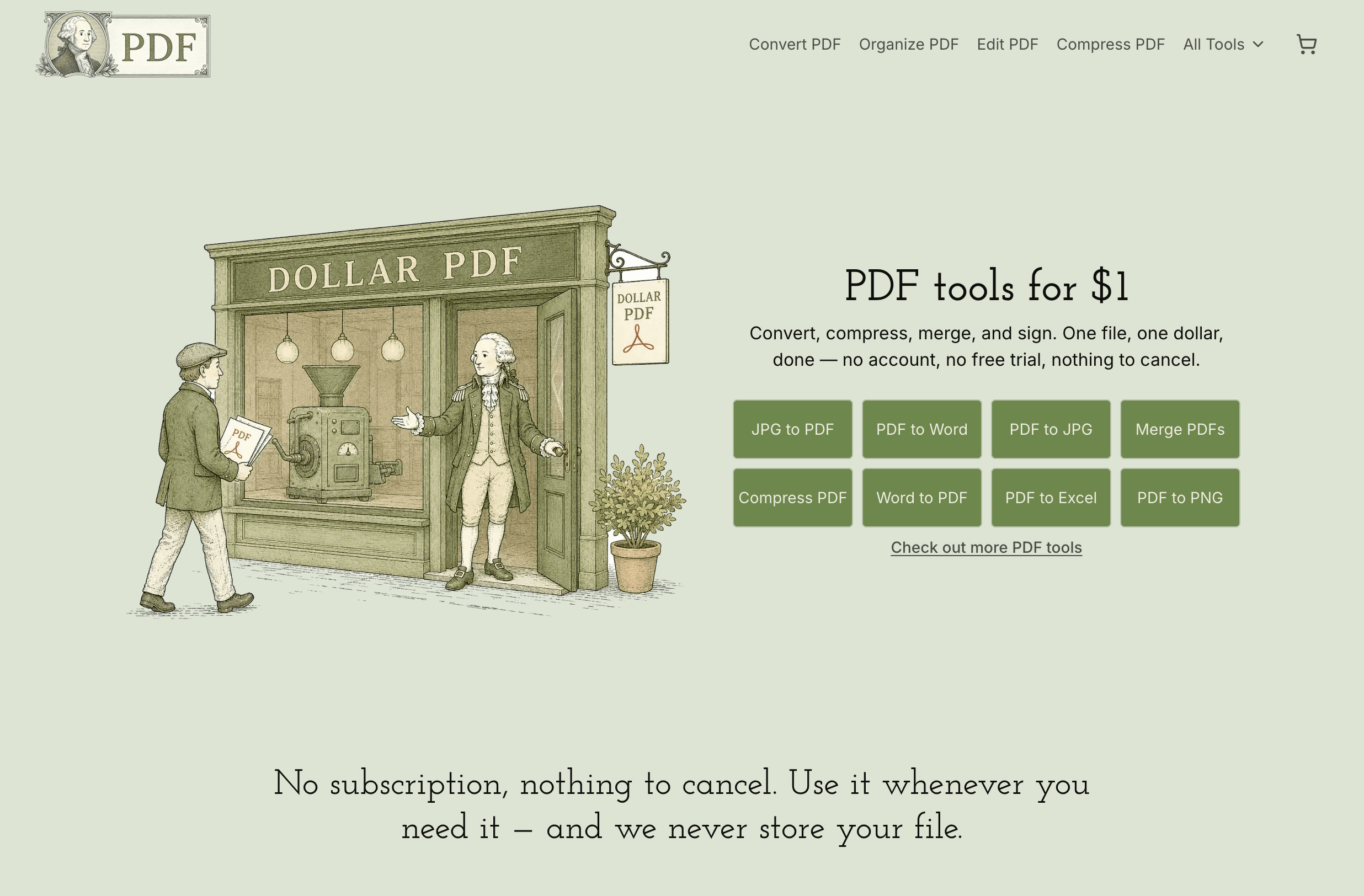
Dollar PDF today — a commodity utility with a brand.
Why I built it
I built it for myself first
I used to be an Adobe Creative Cloud subscriber. These days I do not use Adobe products at all — but I still hit the occasional moment where I need to do something simple with a PDF: convert it, merge it, sign it. Paying a full monthly subscription for a task that takes ten seconds never made sense, and I doubt I am the only one.
So I did not just trust the instinct. I sat down with Claude and dug into how people actually use — and pay for — documents and software. The numbers backed up the hunch:
3 trillion+
PDF documents exist worldwide — sooner or later, almost everyone has to deal with one.
Adobe, 202342%
of consumers admit they kept paying for a subscription after they stopped using it.
C+R Research, 2022$219/mo
is what people actually spend on subscriptions — about 2.5× the $86 they think they pay.
C+R Research, 2022So the model is the product: one file, one dollar, done. There is nothing to cancel, because there is nothing to subscribe to. Everything else — the tool library, the privacy promise, the brand — follows from that single decision.
Restraint
Simple, on purpose
The easy mistake on a product this small is to overbuild it — accounts, dashboards, tiers, a pricing page with three columns. We tend to overcomplicate simple things. Restraint was the harder call: trust that one clear job, done well, is the whole product, and resist the urge to dress it up.
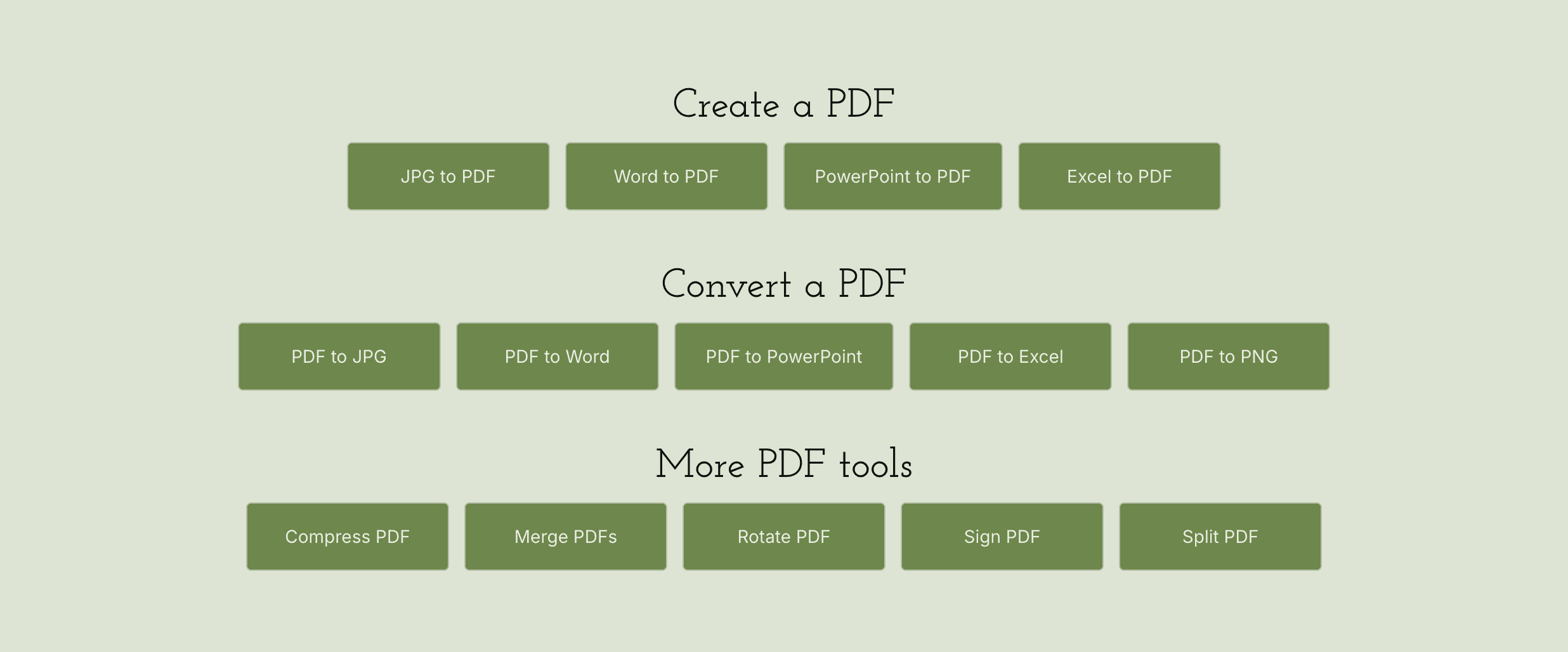
What that restraint actually looks like: before designing the interface, I looked at which PDF operations people reach for most often and ordered the library to match. The common jobs lead; the long tail follows underneath, grouped into create, convert, and more tools. The first thing you see should almost always be the thing you came for.
The product
Every tool works the same way
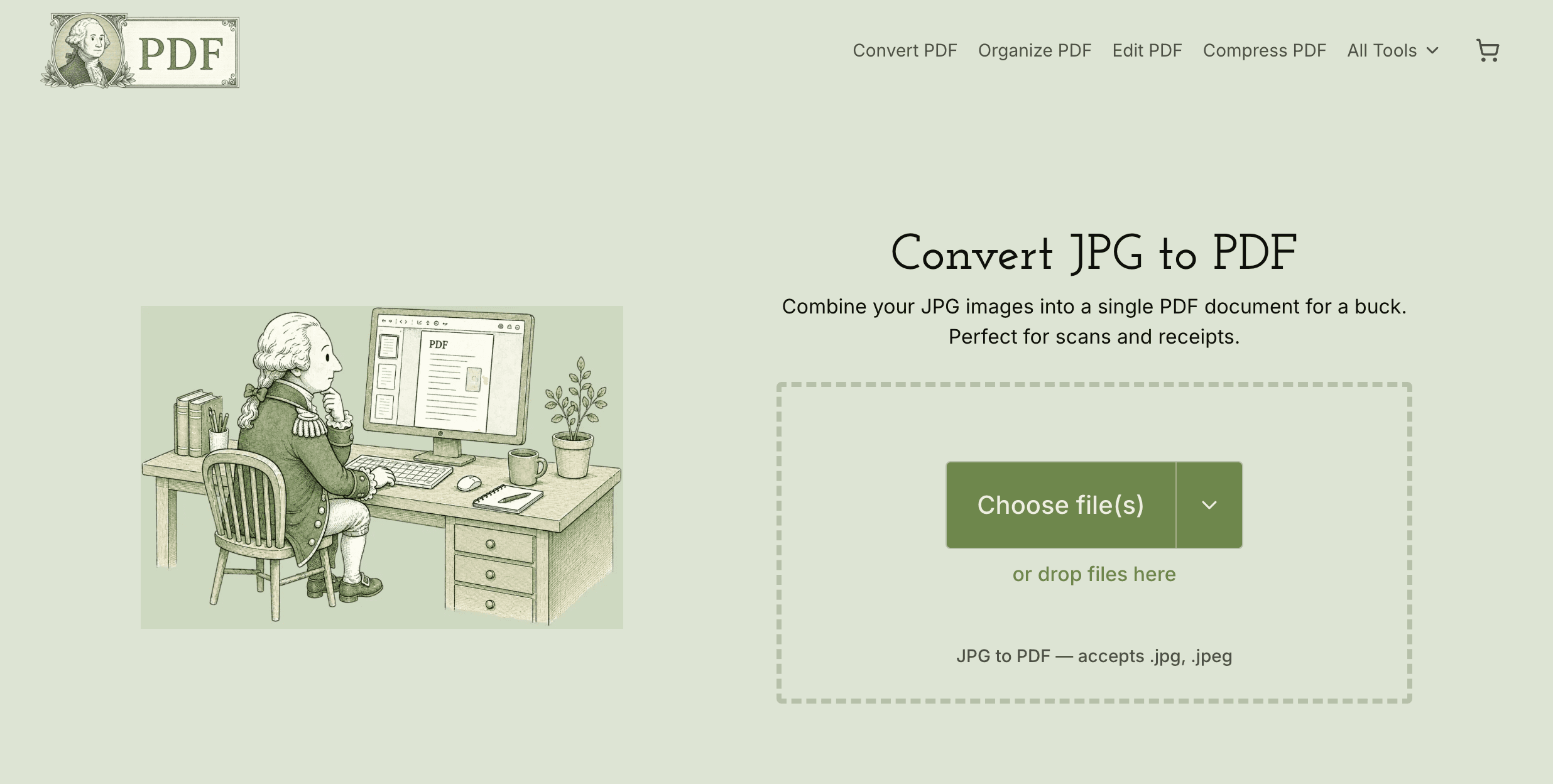
There is nothing to learn. Pick the job, drop your file, pay a dollar, download the result — the page you land on is already the page that does the work. No account wall, no upsell, no detour through a dashboard.
The real concern
Privacy was the thing people actually cared about
When I looked at why people hesitate with tools like this, the subscription was an annoyance — but privacy was the real fear. You are handing a stranger a contract, a resume, a tax form.
And it is not just me being precious about it — people broadly distrust what happens to their data once it leaves their hands:
81%
of Americans are concerned about how companies use the data they collect about them.
Pew Research Center, 202375%
of consumers will not buy from an organization they do not trust with their data.
Cisco Consumer Privacy Survey, 202473%
feel they have little or no control over the data companies collect about them.
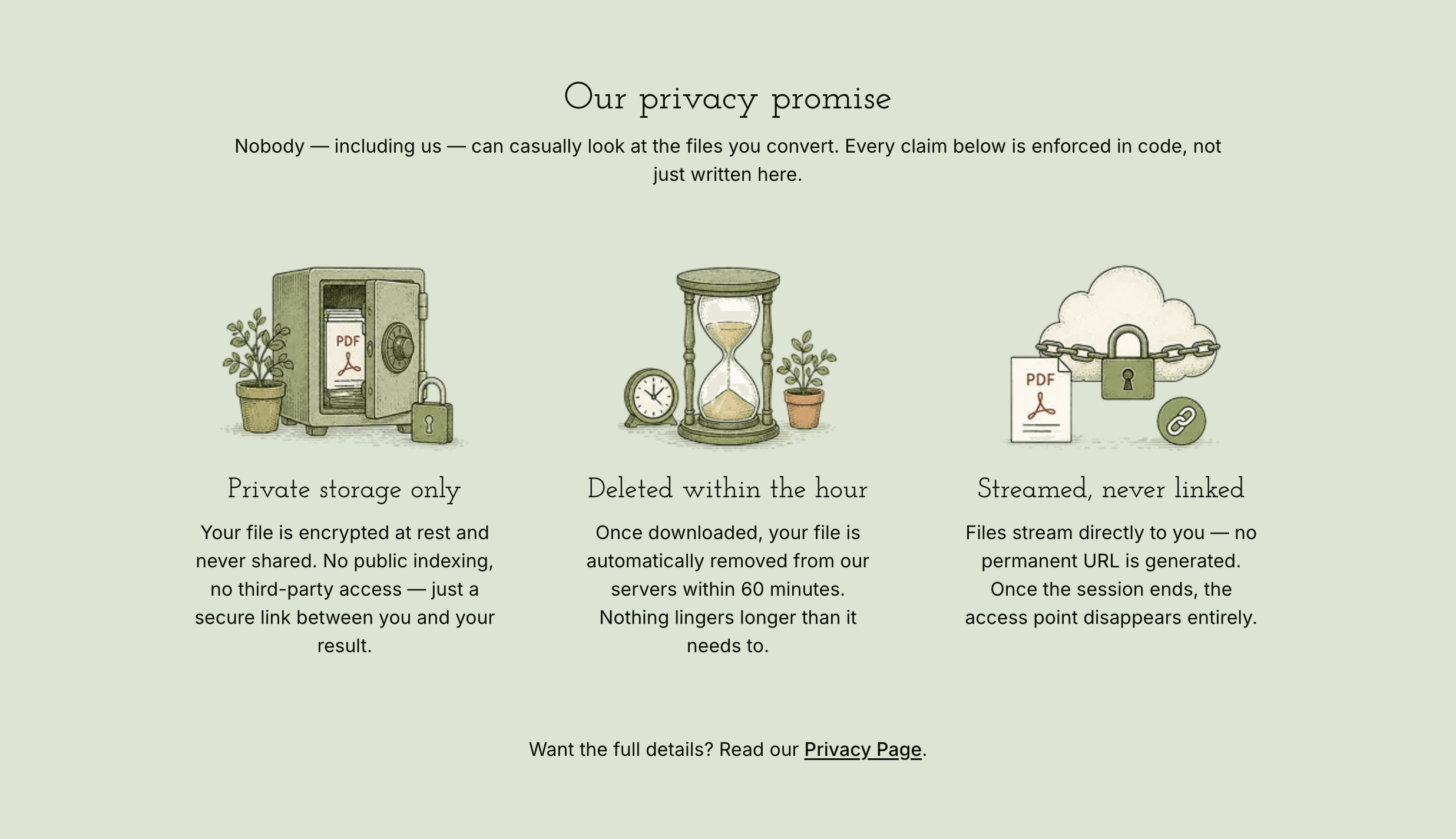
Pew Research Center, 2023So privacy is not a footnote here — we featured it on the home page itself. Files are stored privately, deleted within the hour, and streamed rather than left at a permanent link. The page says plainly that the claims are enforced in code, not just written down.
Design
A dull job does not need a dull brand
Converting PDFs is about as unglamorous as software gets. Coming from a design background, I did not take that as a reason to ship something forgettable.
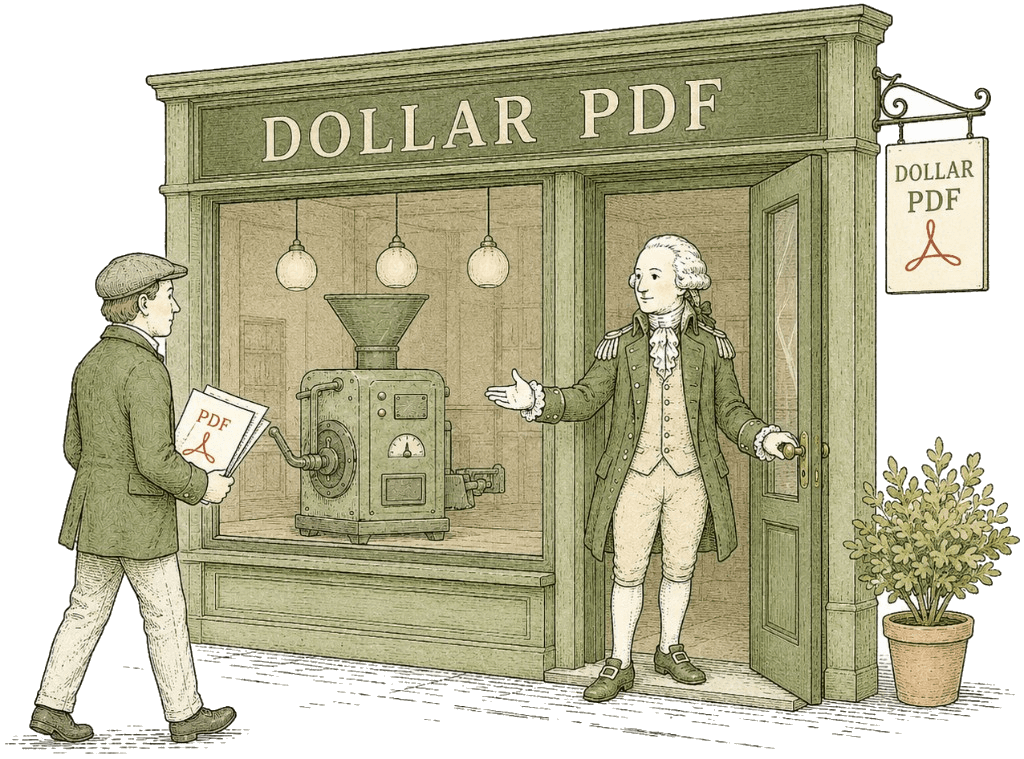
I built a brand around the one-dollar idea: an engraved, dollar-bill aesthetic, George Washington as the mark, and a small-town storefront as the front door. It is still a utility — but it has a face, and people remember a face. The bet is that branding is what turns a one-off task into a place you come back to, and refer others to.
Brand Guidelines
The engraved, dollar-bill identity behind Dollar PDF.
Evolution
From a dark dashboard to a brand
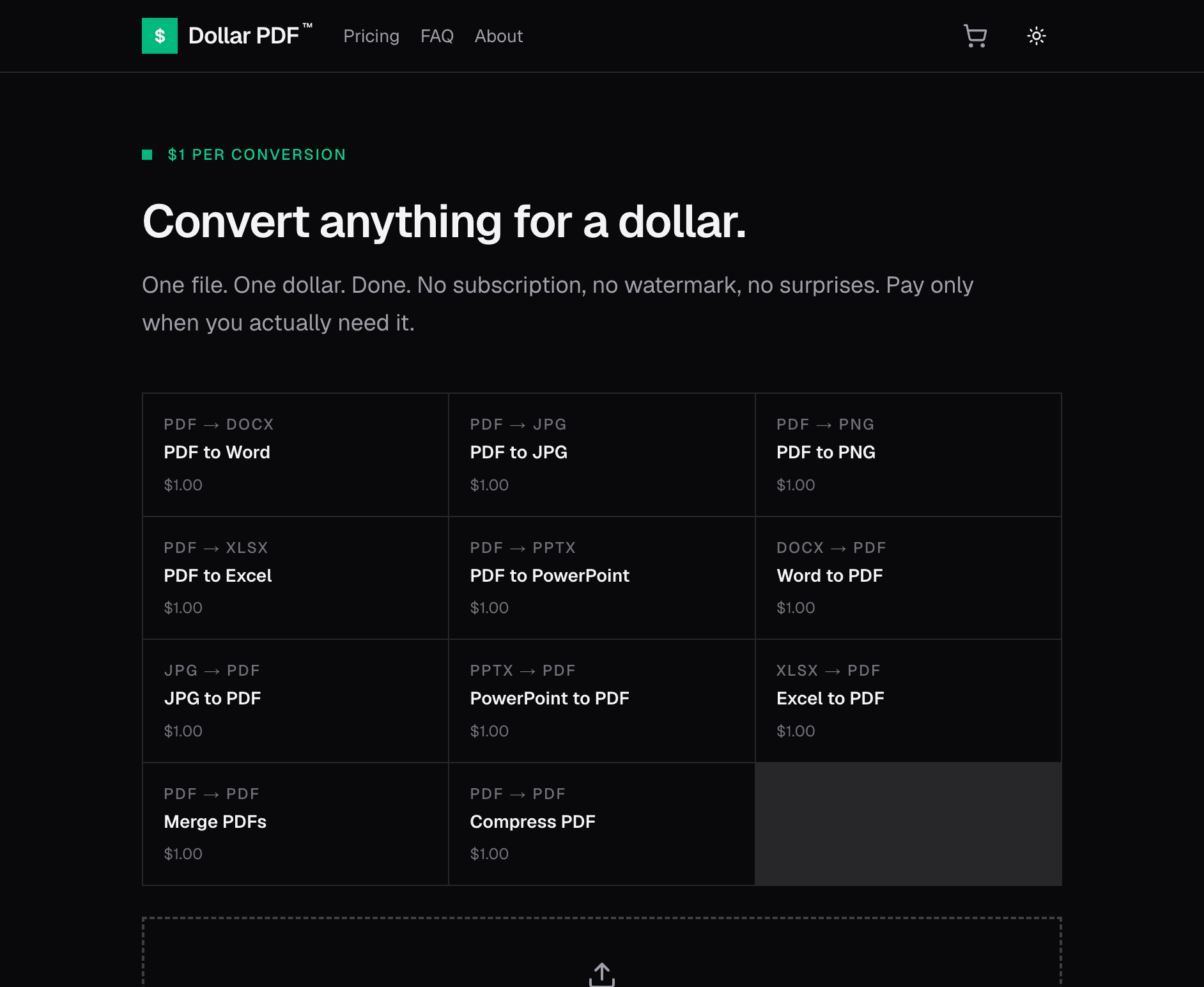
The first version was a standard dark dashboard — green on black, perfectly functional, completely anonymous. It looked like every other developer tool. The redesign kept the product exactly the same and changed everything around it.
Takeaway
What it demonstrates
Dollar PDF is a small product, and that is the point. It is a clear example of taking a commodity utility, finding the one thing users actually worry about, pricing it honestly, and giving it a brand that is hard to forget.